Plan bills by paycheck
Add paycheck dates and bill due days, then assign each bill to the paycheck intended to cover it.
Budget by paycheck on iPhone
GlassLedger: Bill Organizer
GlassLedger is a private, manual bill organizer and paycheck planner for iPhone. Add income and monthly bills, decide which paycheck covers each one, and see the amount left before payday—without connecting a bank.
 Free for up to five bills per month; $7.99 one-time lifetime unlock for bill six and beyond. No subscription.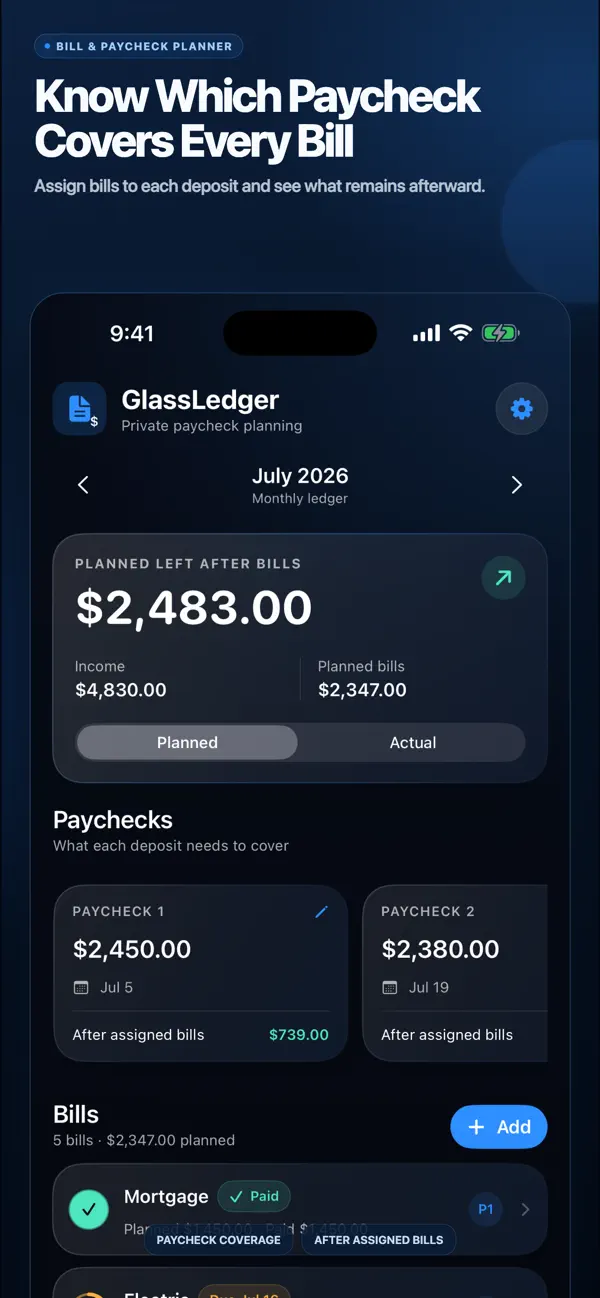
The problem
A monthly total can look manageable while the timing still feels unclear. Bills land on different due dates, paychecks arrive on their own cadence, and one missing payment can make the whole month harder to read.
Many budgeting tools begin with a bank connection or a full transaction system. If you only need a clear manual plan, that can be more setup—and more access—than the job requires.
The solution
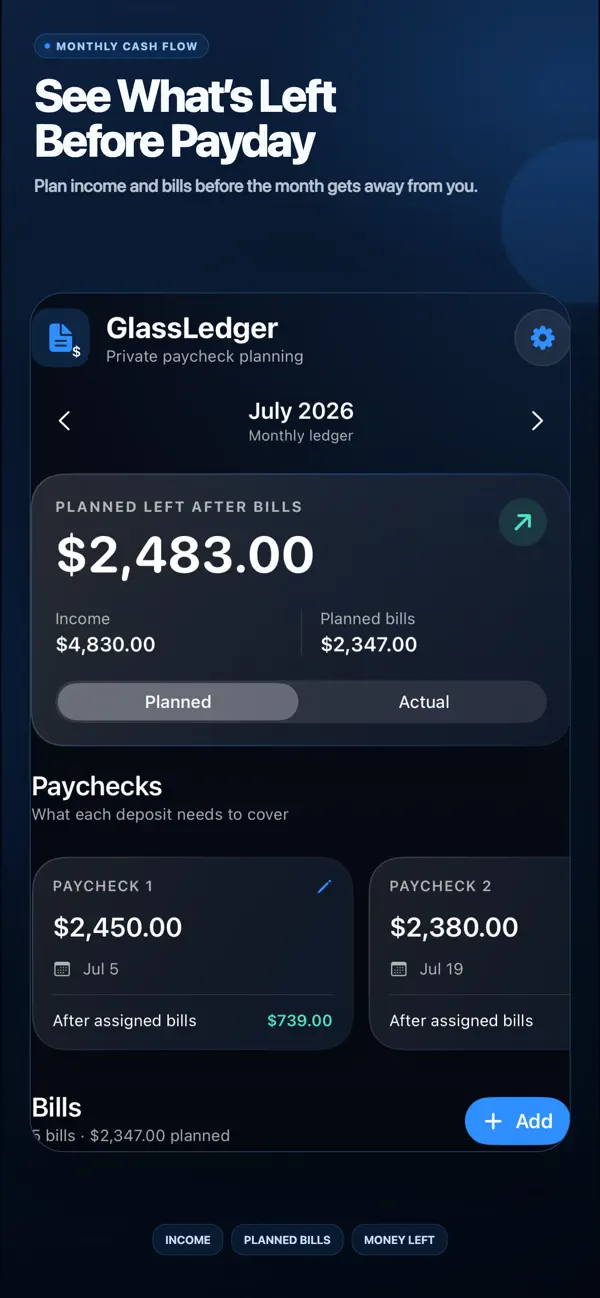
GlassLedger keeps the plan focused: enter your paychecks, enter your bills, and assign each bill to the deposit that should cover it. The monthly view shows planned income, planned bill totals, and planned money left.
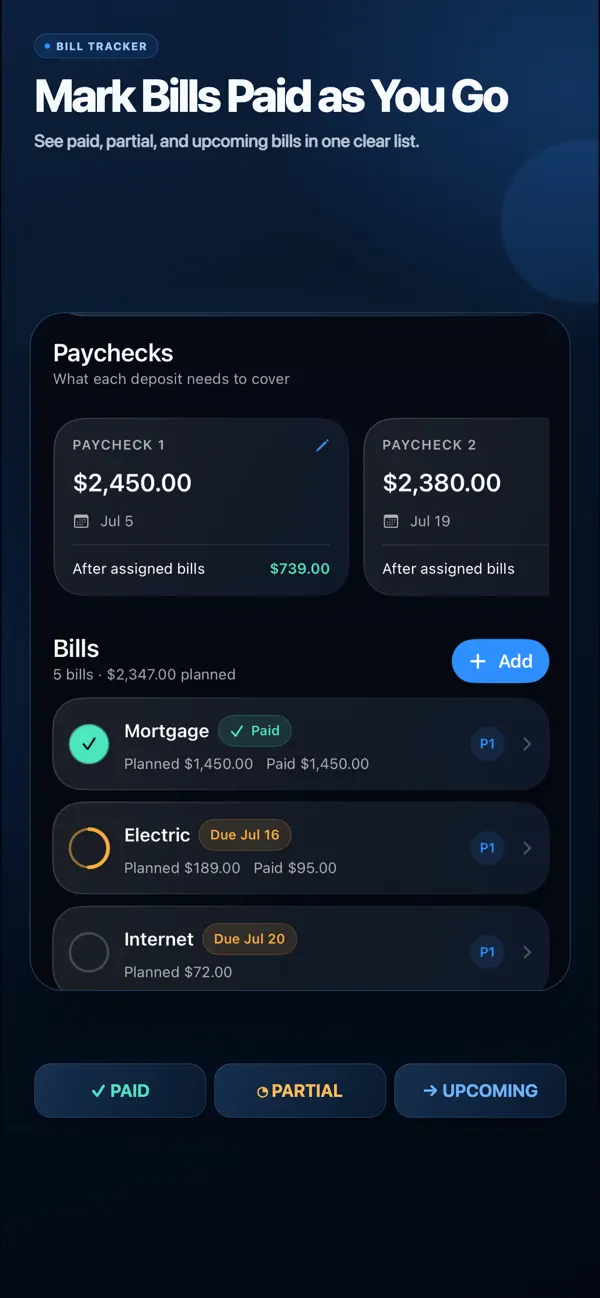
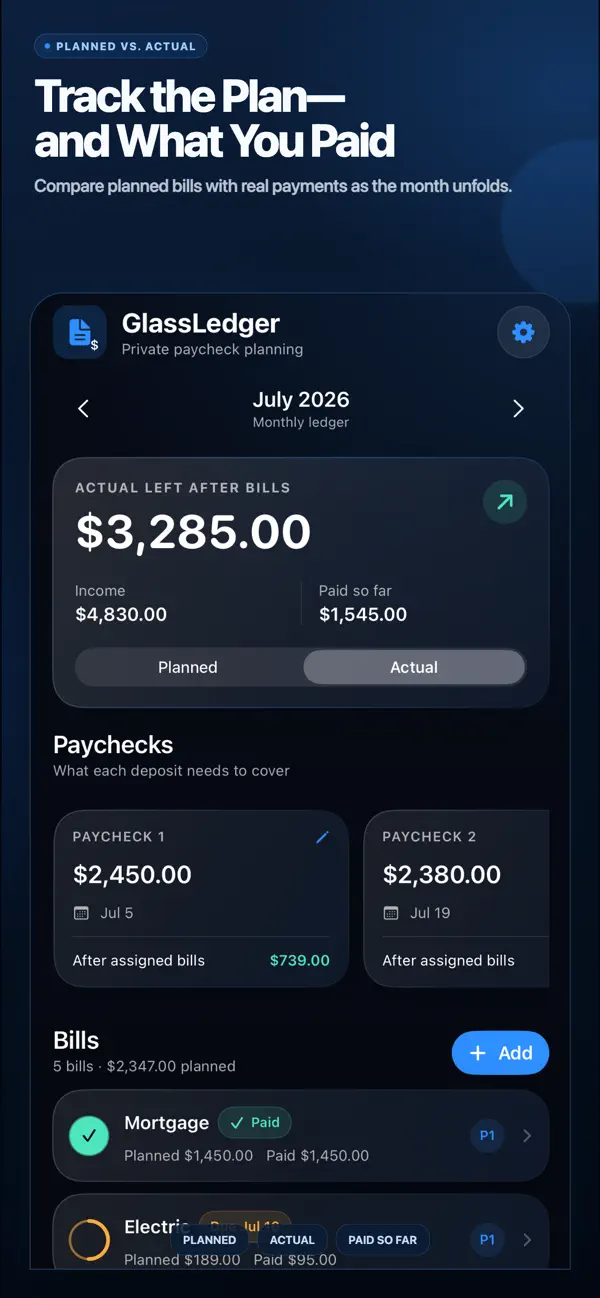
As the month moves forward, mark bills paid or unpaid and record partial payments. Switch from Planned to Actual to compare the plan with what you have recorded so far.
Real App Store features
Add paycheck dates and bill due days, then assign each bill to the paycheck intended to cover it.
Compare planned bill totals with recorded payments and view the remaining amount at a glance.
Keep each month current without importing bank transactions.
Bring planned recurring details into the next monthly ledger while paid amounts reset.
Move between monthly ledgers instead of losing the context behind earlier plans.
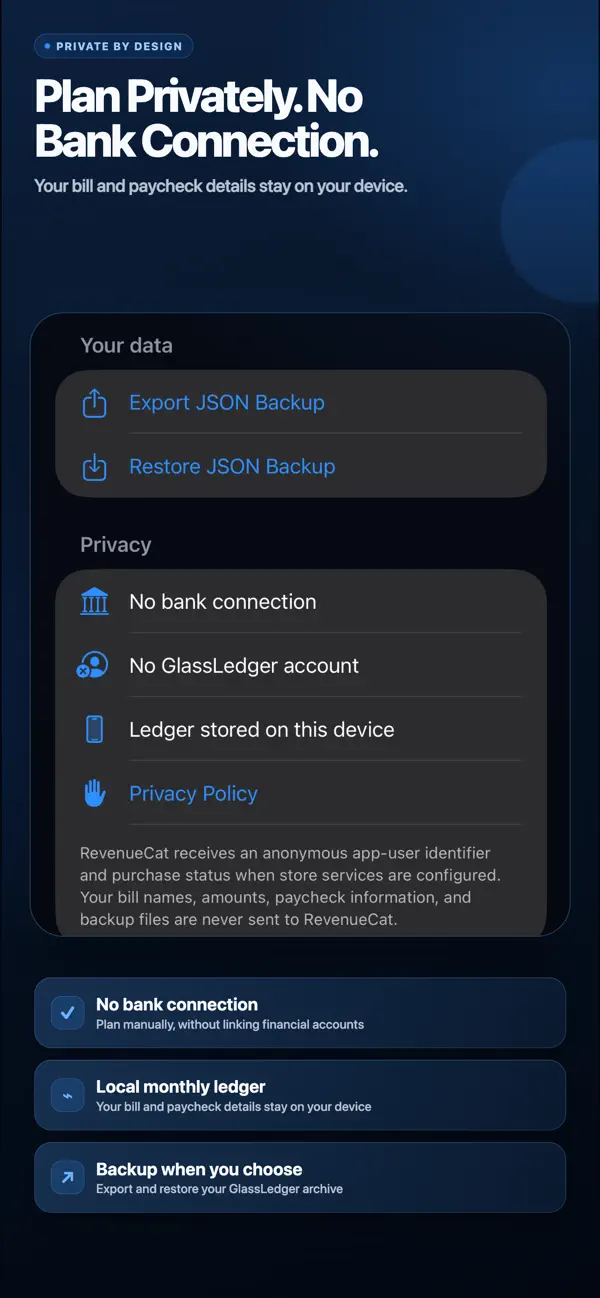
Create or restore a JSON backup when you choose.
Inside the app
Current screenshots from the public App Store listing.
How it works
Add your paycheck amounts and dates for the month.
Record each bill, its planned amount, due day, and whether it repeats.
Choose which paycheck should cover each bill and review what remains after the assignment.
Mark payments, record partial amounts, and compare Planned with Actual.
Who it’s for
Questions, answered
No. GlassLedger is designed for manually entered paycheck and bill information. It does not connect to financial institutions, import bank transactions, or move money.
Yes. Add paycheck dates and bills, assign each bill to a paycheck, and view the amount remaining after that paycheck’s assigned bills.
Yes. GlassLedger lets you mark bills paid or unpaid and record partial payments, then compare planned totals with recorded payments.
You can add up to five bills to each month for free. A one-time GlassLedger Lifetime Access purchase removes the bill limit. There is no subscription.
Bill names, amounts, paycheck details, and month history are stored in the app’s local storage. You can export or restore a JSON backup when you choose.
No. It is a planning tool for information you enter manually. It does not pay bills or transfer money.
Available on the App Store
Free for up to five bills per month; $7.99 one-time lifetime unlock for bill six and beyond. No subscription.